Your product image studio for Shopify
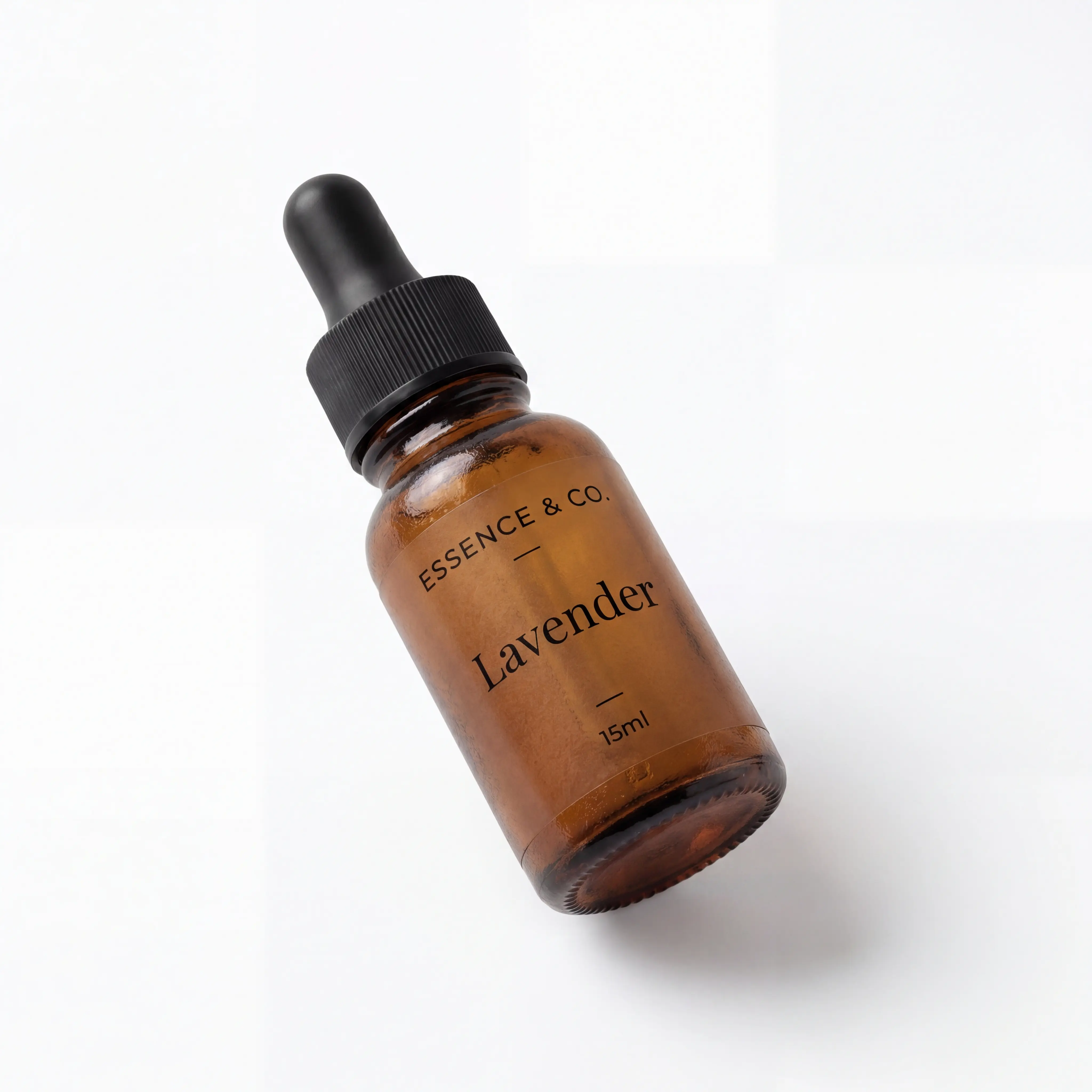
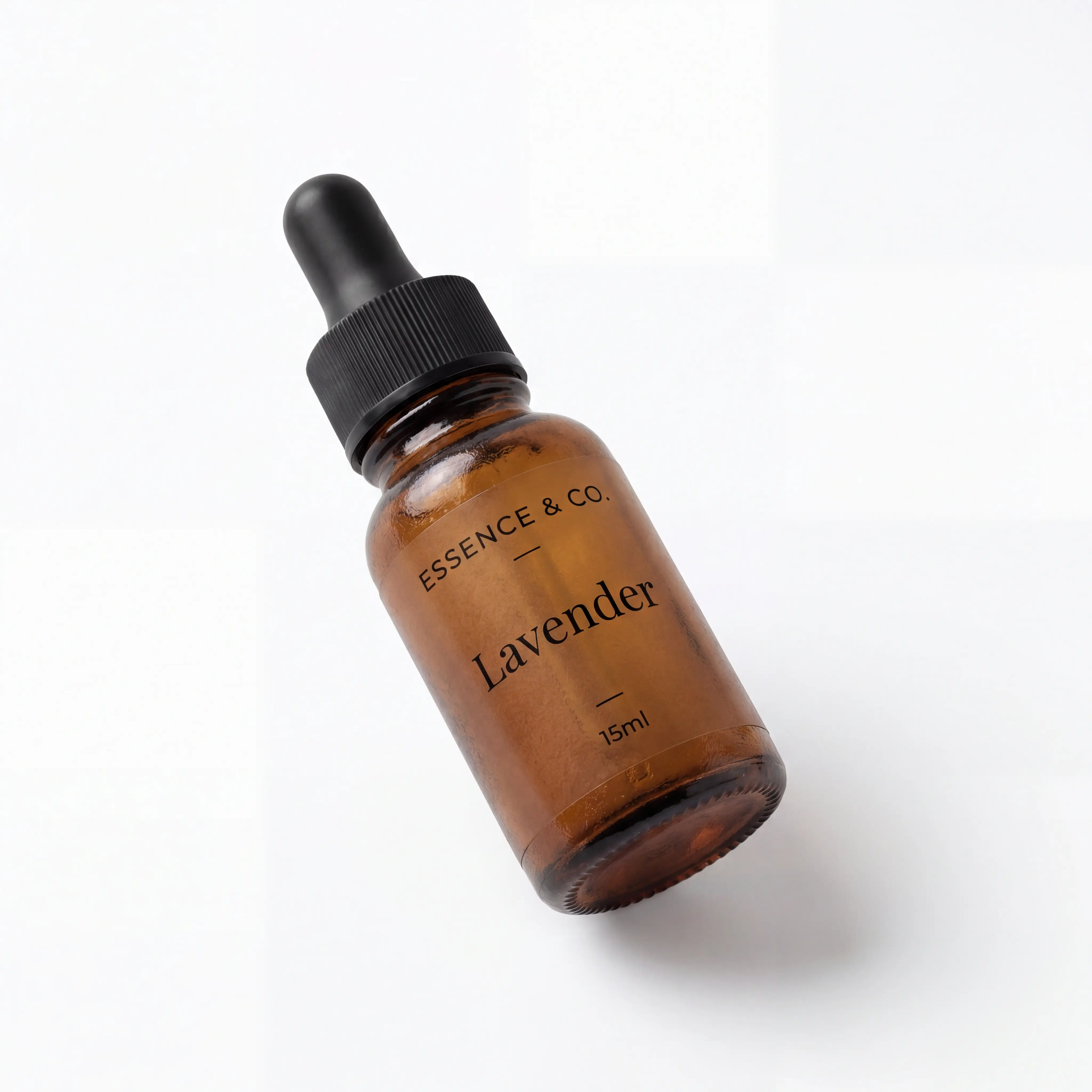
Flipping every 3 seconds. This is what Pixly does to every image.
How it works
From upload to synced storefront in three steps
No design tools or file wrangling. Connect once, review when you care, and Pixly prepares store-ready WebP, square crops, and metadata.
Connect your store
Link your Shopify store in 30 seconds. Pixly reads your existing product images instantly.
AI analyzes every image
Pixly analyzes each photo, prepares square WebP output, and proposes alt text and filenames for your review.
Auto-synced to Shopify
Optimized images and metadata push back to your store automatically. New products included.
Swipe left to see more
The problem
Your catalog deserves consistent product photos
Inconsistent aspect ratios, heavy files, and manual editing in Canva or Photoshop do not scale when you add more products. Pixly batch-processes your images and syncs store-ready results to Shopify.
<img src="IMG_4523.jpg" alt="" />→ Not store-ready: wrong format, no metadata
<img src="blue-ceramic-mug-studio.webp"
     alt="Blue ceramic mug on white studio background" />
→ Store-ready WebP, square crop, alt text included
Everything included
Your product image studio for Shopify
Alt Text Generation
AI reads the actual content of each photo and writes natural, descriptive alt text. Not a template. Real visual understanding for accessibility and discovery.
Smart Filename Renaming
Converts IMG_4523.jpg into blue-ceramic-mug-studio-shot.webp. Clean, descriptive filenames your team can actually read.
WebP Conversion
Converts every image to WebP, up to 87% smaller with no visible quality loss. Faster collection pages and a smoother shopping experience.
1:1 Shopify Crop
Every image is cropped and centered to a perfect 1:1 square, exactly what Shopify expects for clean, consistent product grids.
AI Upscaling
Low-resolution images are automatically detected and upscaled so every product looks sharp, even on retina displays. Available on Growth and above. Upscaling costs 4 tokens (5 total including analysis).
Background Removal
Remove the background from any product photo with one toggle. Choose white or transparent. Perfect for clean Shopify grids and ad creatives. Available on Starter and above (+3 tokens).
Auto-Pilot Mode
Turn on Auto-Pilot and every new product you add to Shopify gets analyzed and optimized automatically. You never have to open the app.
Store Audit
Run a full audit of your existing Shopify catalog on Starter and above. See which products need work and fix them all in one batch.
Shopify Native Sync
Push optimized images directly to your Shopify product listings via the Admin API. No plugins, no manual downloads.
No risk. No card.
Store-ready product images, synced to Shopify.
Try it on your real store. 69 tokens included, no credit card required.
No subscription required · Cancel anytime
Pixly product image studio for Shopify
What Pixly does
Pixly is a product image studio for Shopify merchants. It prepares store-ready square WebP output, optional upscaling and background removal, plus alt text and clean filenames, then syncs approved results back to your catalog.
Who it is for
Pixly is built for Shopify merchants who add or refresh product images regularly and want consistent storefront photos without manual editing in design tools.
Getting started
Create a free account with 69 monthly tokens, install Pixly from the Shopify App Store, connect your store, review proposals, and sync store-ready images to Shopify.