Your product image studio for Shopify
Every feature Pixly offers, with live demos, real numbers, and no fluff.
AI-powered
Alt text that describes the product
Our AI reads the visual content of each image and writes a descriptive, natural-language alt text sentence. Not a template. Real visual understanding for accessibility and search.
- Reads the actual content of the photo
- Writes in natural, keyword-rich language
- Covers product type, color, angle, context
- You review and edit before approving
|
Compression
Up to 87% smaller files
Every image is converted to WebP, Google’s modern format that delivers the same visual quality at a fraction of the size. Faster collection pages and a smoother shopping experience.
- Average 87% reduction vs original PNG
- Adjustable quality slider (1–95)
- Lossless transparency support for product cutouts
- Shopify serves WebP natively to all browsers
Same visual quality · WebP is −87% vs PNG, −87% vs JPEG
Smart cropping
Perfect 1:1 for Shopify
Shopify product grids look best with square images. Pixly crops every image to 1:1 with a smart focus point you control, so the subject is never accidentally cut out.
- Outputs 2000×2000 px by default
- Click to set any crop focus point
- Adjust offset X/Y per image
- Rotation support built in
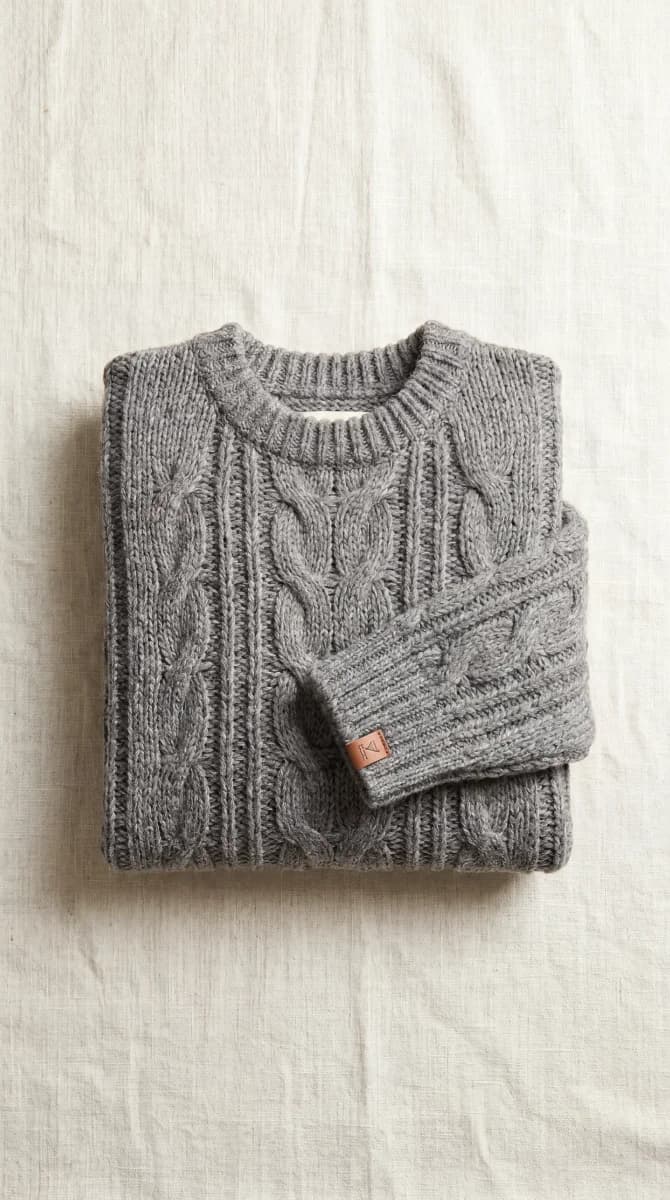
AI Upscaling · +4 tokens
Sharp on every display
Low-resolution product photos look unprofessional and hurt conversion. Pixly detects and upscales them to 2048px using AI on Growth and above, delivering sharp, detailed results on every screen.
- Automatically detects low-res images
- Upscales to 2048×2048 px
- Drag the slider to compare before/after
- Retains fine detail, textures and edges

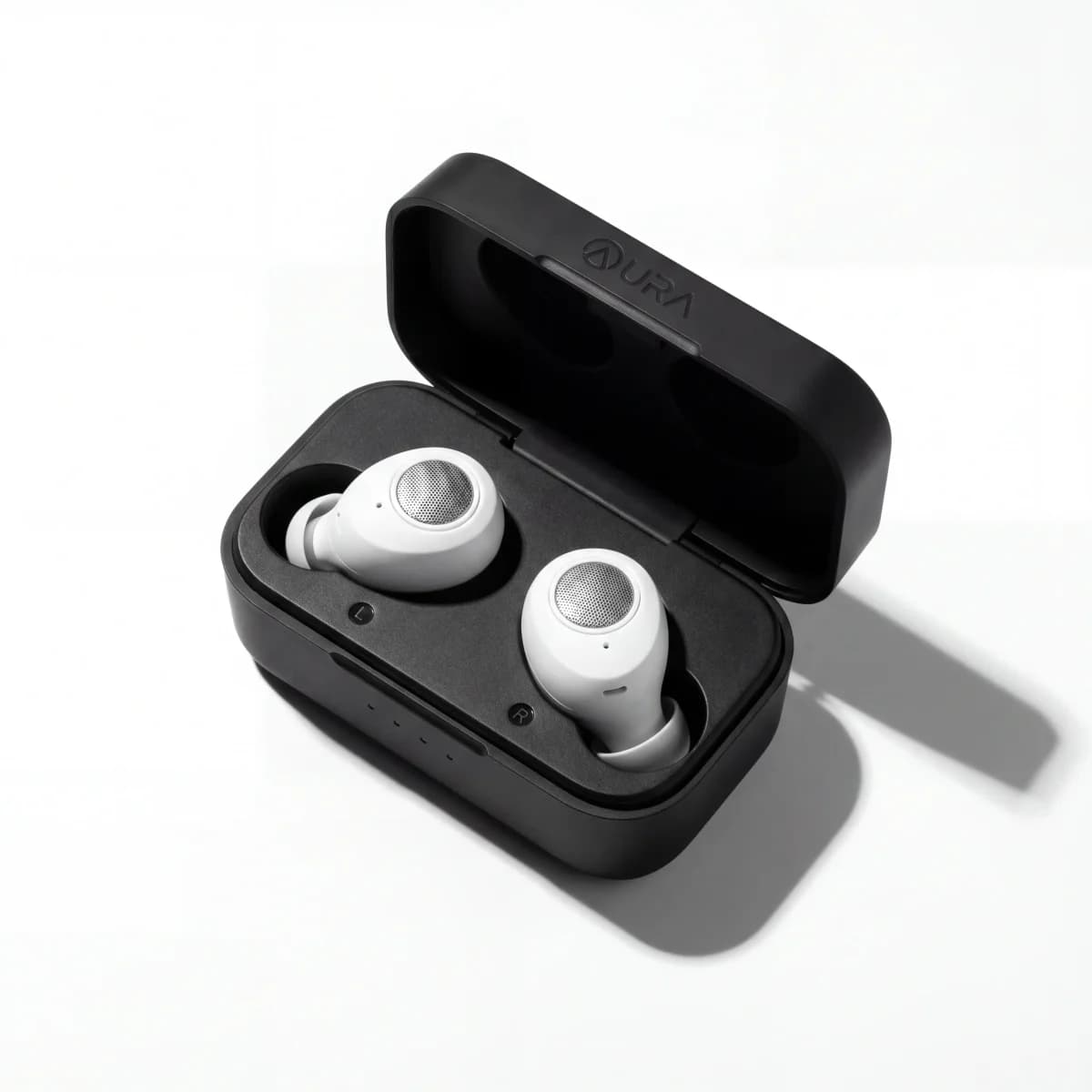
AI Background Removal · +3 tokens
Pure white or transparent backgrounds
One toggle removes the background from any product photo using AI on Starter and above. Choose between a clean white canvas or a transparent PNG-style output. Perfect for Shopify product grids and ad creatives.
- AI-powered. Works on any product type.
- White background for clean grid layouts
- Transparent for creative flexibility
- WebP output keeps file sizes tiny after processing.
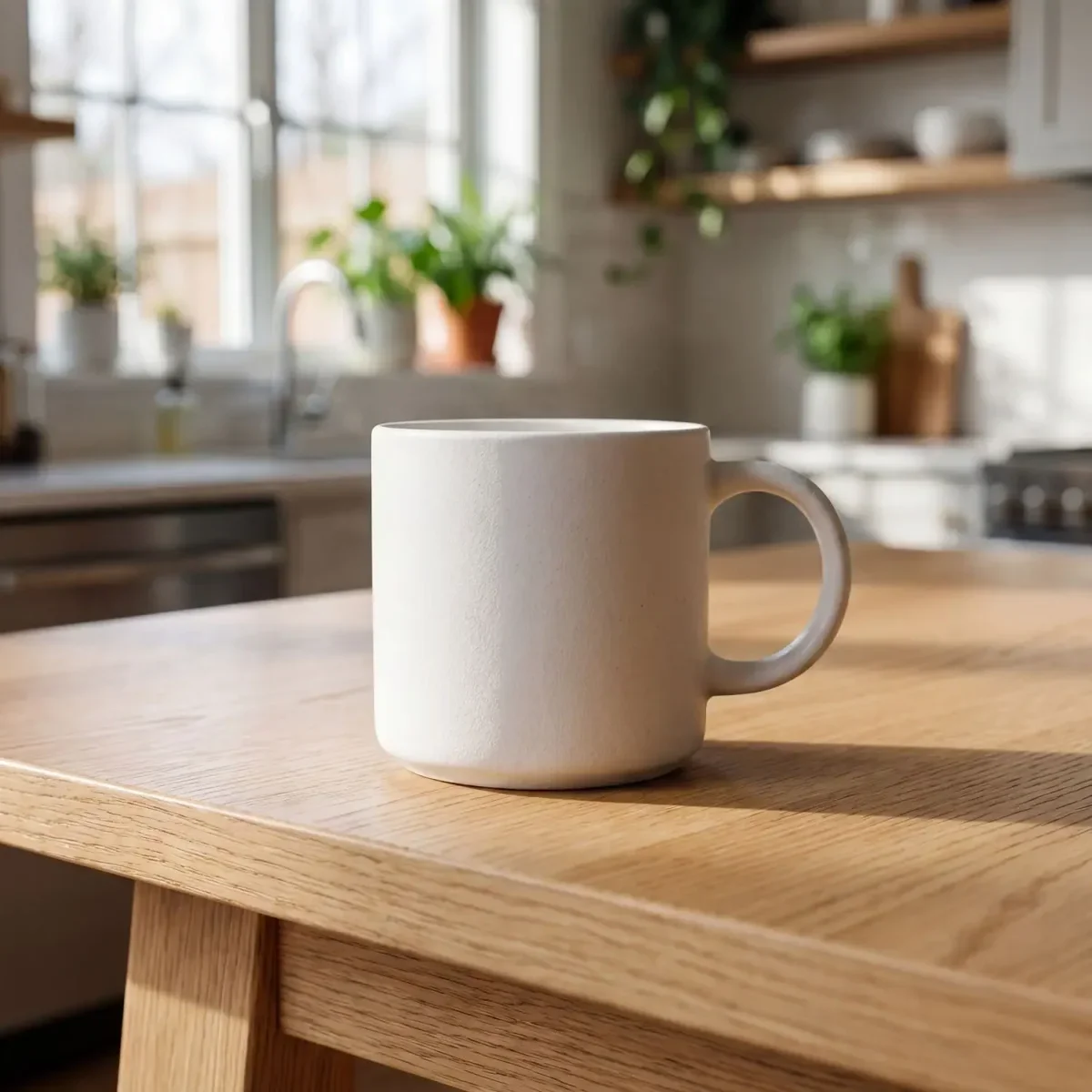
Native integration
Push to Shopify in one click
Your optimized images go straight to your Shopify product listing automatically. No downloading files, no uploading them manually. Pixly handles it all.
- Replaces the original image on your product
- Alt text is updated at the same time
- Works with products that have multiple variants
- Syncs in seconds, no extra steps needed
Pixly Storage
optimized.webp
Admin API
productCreateMedia
Shopify CDN
cdn.shopify.com
Product listing
alt text applied
Mobile browser
Run your image studio from your phone
Pixly is built for mobile browsers on iPhone and Android. Open the dashboard in Safari or Chrome, review square WebP output and alt text, and push store-ready product images to Shopify without installing an app.
- Fully optimized for iPhone and Android mobile browsers
- No App Store or Play Store download. Just open the website
- Review and approve store-ready images with touch-friendly controls
- Same workspace, synced history, and Auto-Pilot on phone or laptop
- Large bulk uploads are still fastest on desktop
Alt text ready
Mobile browser
Store audit
Catalog image readiness
Run a full audit of every product in your Shopify store. Pixly shows which images are not store-ready yet and exactly what needs fixing.
- Scans alt text quality (not just presence)
- Checks filename descriptiveness
- Identifies low-res and non-WebP images
- One-click to fix any product
0%
Catalog ready
Run a store audit to see your real score
Auto-Pilot mode
New products optimized automatically
Enable Auto-Pilot once and every new product added to Shopify is analyzed and optimized by Pixly. Choose Semi-Auto to review before sync, or Full Auto to let Pixly handle everything hands-free.
- Semi-Auto: AI analyzes and lands images in your review queue for approval
- Full Auto: AI analyzes, processes, and syncs to Shopify without any manual steps
- Per-store settings: background removal, upscaling, and daily cap
- Email summary after every run with tokens used and images flagged for review
New product added to Shopify
09:00
Pixly webhook triggered
09:00
AI analyzes images
09:01
WebP + 1:1 crop processed
09:02
Optimised images synced to Shopify
09:02
Done. You did nothing.
09:02
Which features should you focus on first?
Take the 1-minute quiz. See which features to prioritize for WebP, square crops, Auto-Pilot, and your store goals.
Pixly features
Store-ready WebP and square crop
Every processed image converts to WebP by default and crops to a centered 1:1 square so collection grids look consistent across your catalog.
Alt text and filenames
Gemini reads each product photo and writes natural alt text plus clean filenames instead of camera defaults like IMG_4832.jpg.
Store Audit and Auto-Pilot
Store Audit on Starter and above scans your full catalog for images that are not store-ready yet. Auto-Pilot on Growth and Scale processes new Shopify products automatically.