Background removal
Typical cutout workflow
Export a cutout file
Pixly
Inside Shopify, with review
Shopify background removal
Compare what a generic cutout app delivers with what a Shopify product photo studio needs: bulk workflow, sync, alt text, and a 30-day restore window.
Perché chi vende su Shopify sceglie Pixly
Creato da chi vende online, per chi vende online
Nel tuo negozio non cambia nulla finché non approvi
Inizia gratis con 69 token. Nessuna carta richiesta.
Installa dall'App Store di Shopify. Accesso sicuro tramite Shopify, senza condividere password.

The gap
Standalone tools export a PNG. Shopify merchants still need square crops, WebP, metadata, and a safe rollback path.
Pixly is a Shopify app with review-before-sync, not a file drop box.
Product
Pixly is a Shopify app with review-before-sync, not a file drop box.
Run BG Bulk or per-image removal inside your connected store.
Every image is center-cropped to 2000×2000 WebP by default.
Pixly proposes alt text and filenames in the same review step.
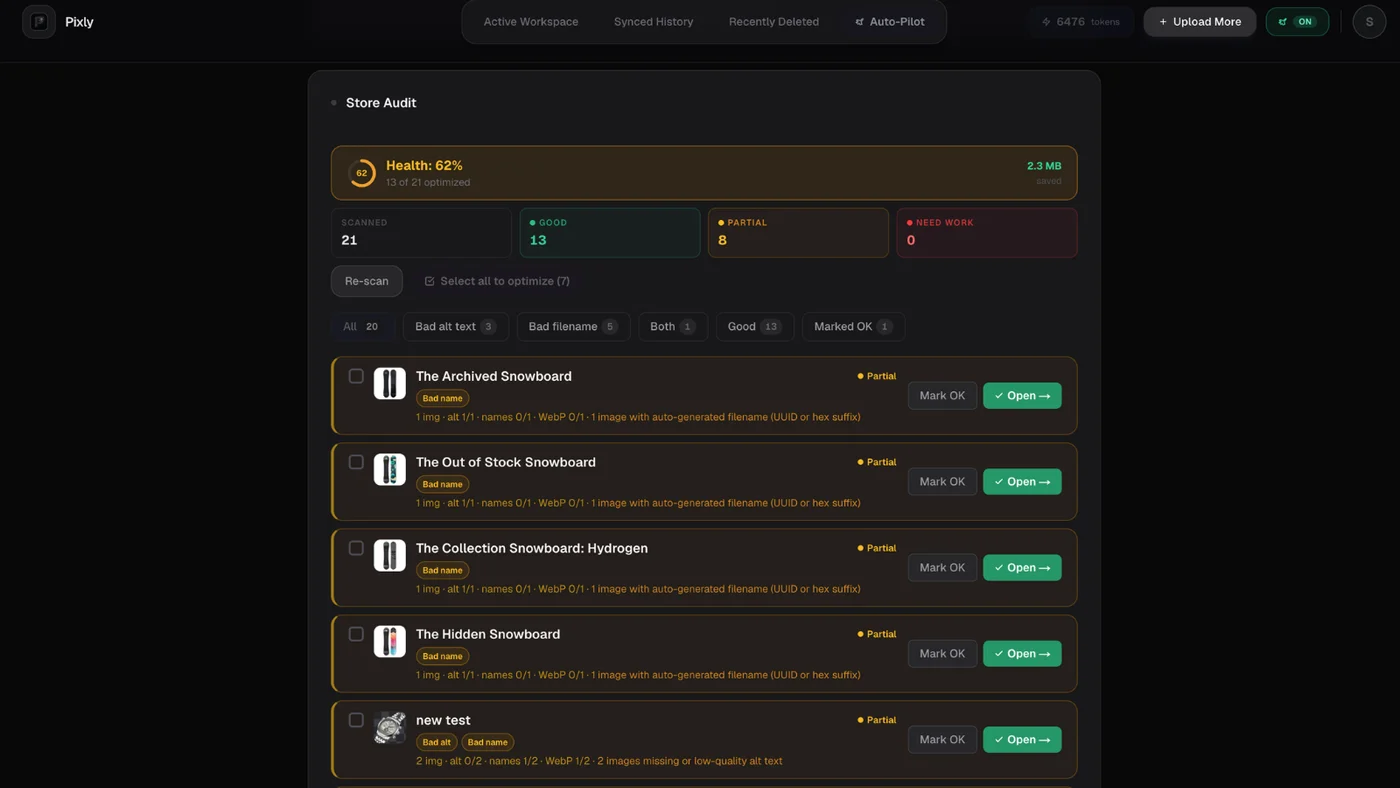
Scan the catalog and batch-review flagged photos.
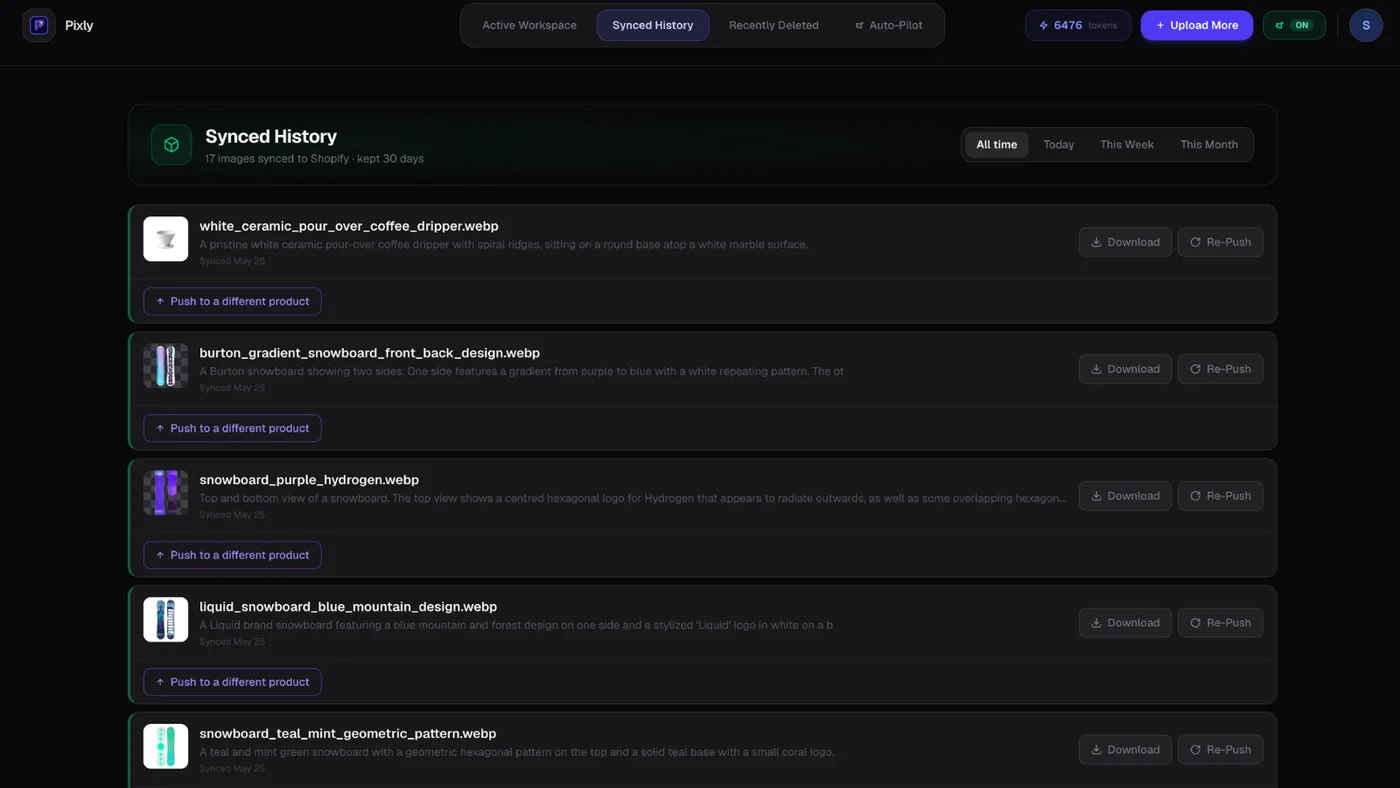
Roll back a synced image to the original Shopify file.
Works in the browser with no extra app install.
Workflow
Connect Shopify or import photos. The catalog scan is free.
See background removal, square crop, alt text, and filename proposals together.
Approved media replaces the listing image. Keep the original for 30 days if you need to roll back.
Compare
The middle column describes a common standalone workflow, not a verified feature list for any one vendor.
Typical cutout workflow
Export a cutout file
Pixly
Inside Shopify, with review
Typical cutout workflow
Manual crop elsewhere
Pixly
2000×2000 center crop by default
Typical cutout workflow
Not part of the export
Pixly
Pixly's AI proposes both, you approve
Typical cutout workflow
Depends on export settings
Pixly
WebP on by default in review
Typical cutout workflow
Manual re-upload per SKU
Pixly
Admin API after approval
Typical cutout workflow
Usually one file at a time
Pixly
BG Bulk scan plus batch review
Typical cutout workflow
Keep your own backups
Pixly
Restore original within 30 days
Typical cutout workflow
Varies by vendor
Pixly
Tokens vs pack credits on this site
Need help switching? Email support@getpixly.app. Business name AIPXLY.
Pricing
Background removal 4 tokens, upscale 5, both 8. Monthly plan tokens reset with no rollover.
4 tokens
Background removal
5 tokens
AI upscale
8 tokens
Both on one image
Real output
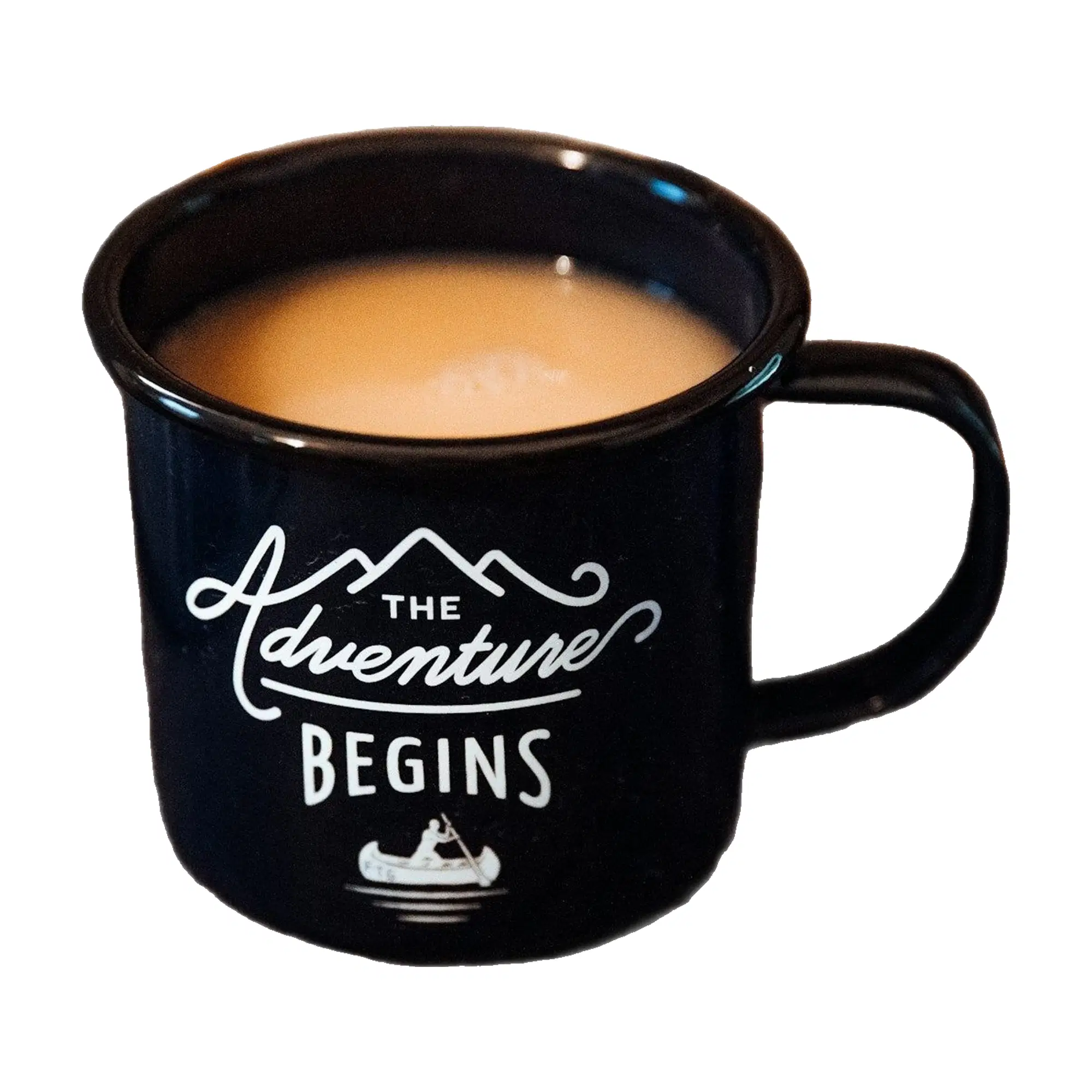
Before and after photos pulled from our own Shopify development stores while building Pixly. Pixly's AI drafted alt text and filenames on these runs. File sizes and pixel dimensions match the bundled assets in this section.

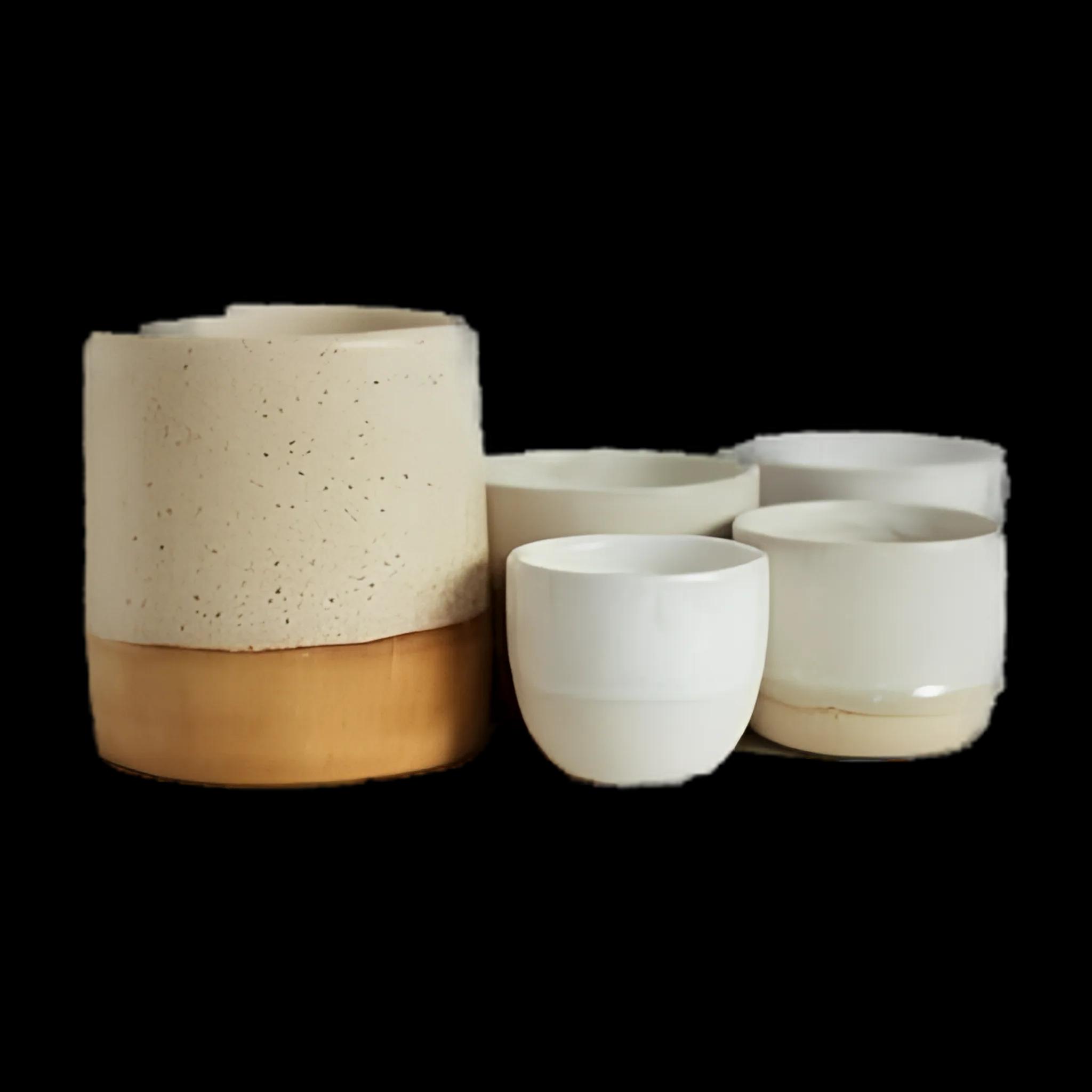
Handmade ceramic cup set on a light grey studio backdrop and shelf in the supplier JPEG. We degraded that original, cut out a transparent background, then upscaled that cutout with Pixly's AI to a 2048 px square.
500 px → 2048 px · transparent background · upscaled
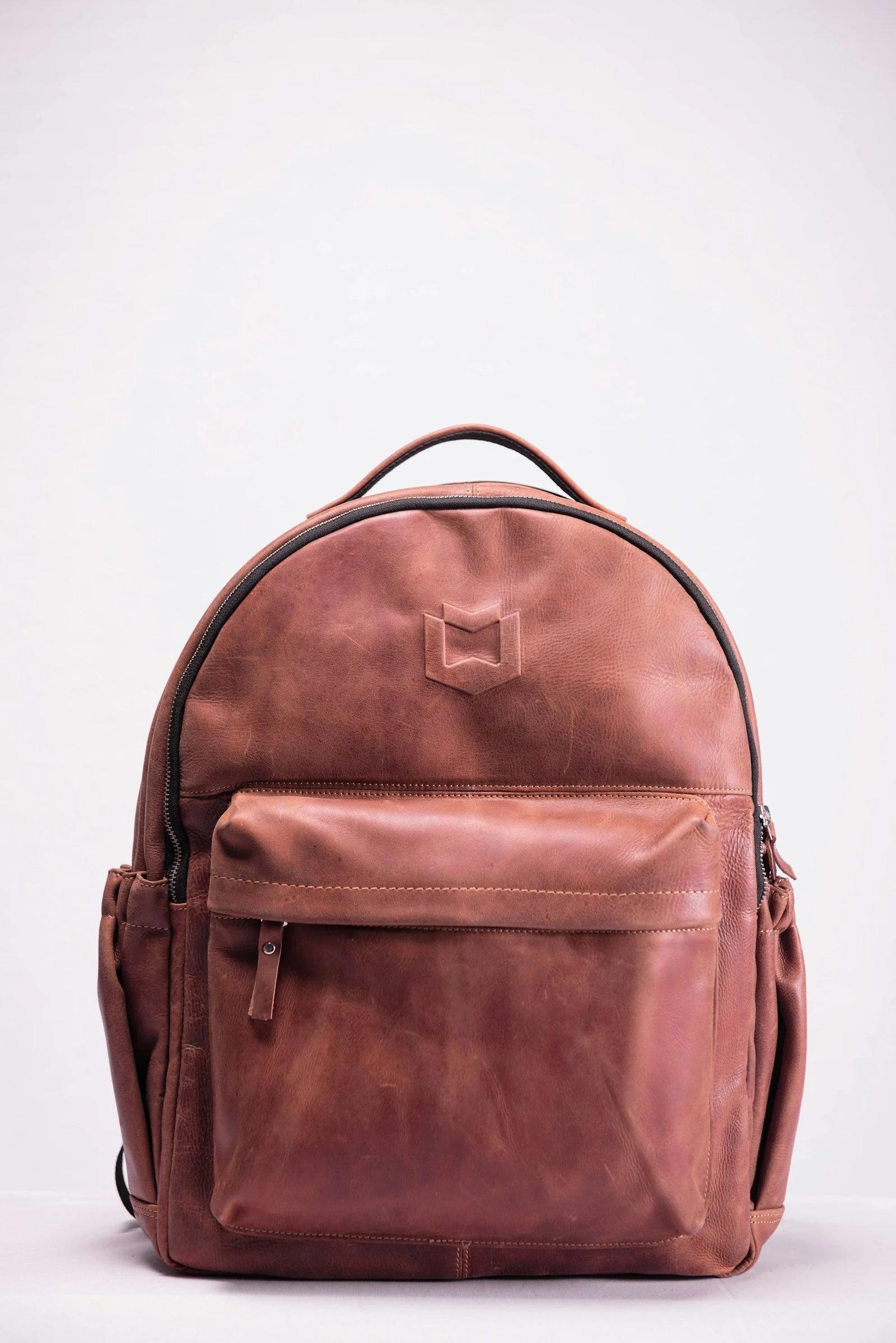
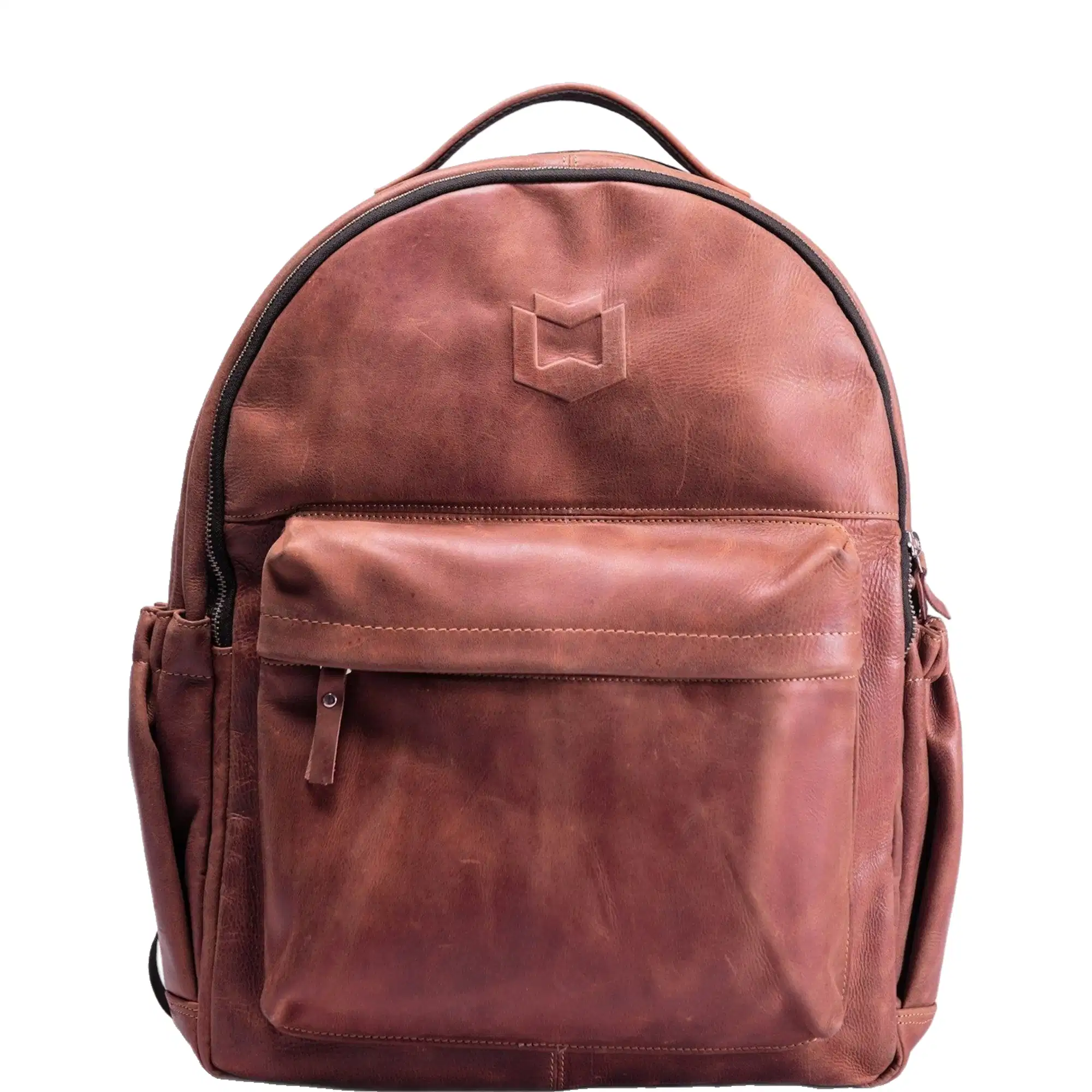
Brown leather backpack from pixly-ai-auto-testing: portrait supplier framing becomes a consistent square catalog tile.
1:1 · 2000×{px} output
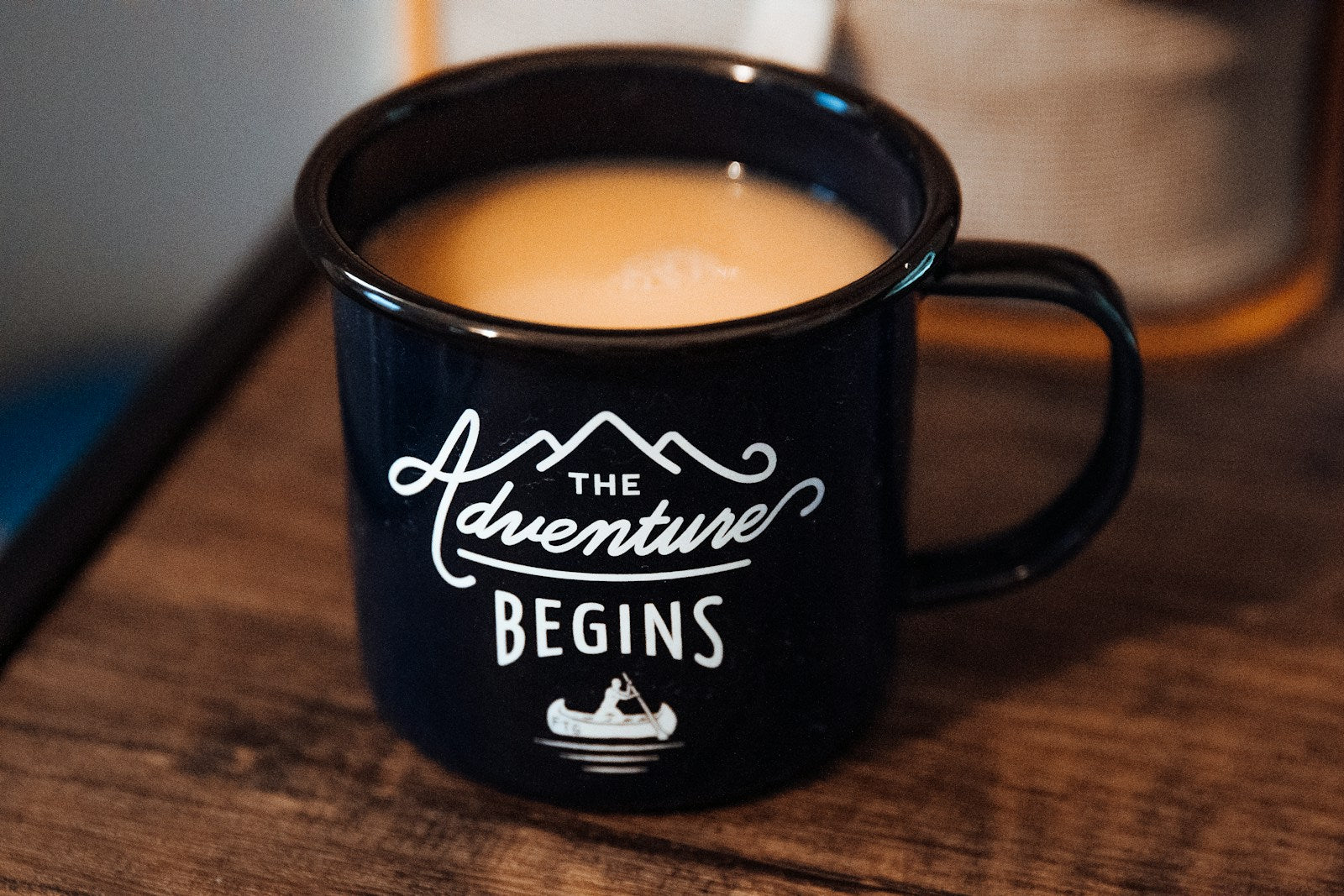
Camp mug and backpack pairs are straight from pixly-ai-auto-testing catalog runs. The ceramic card starts from a degraded supplier original on a light grey studio backdrop, then runs Pixly transparent background cutout and Pixly's AI upscale on the same combined Factory path as the live 8-token combo.
Inside Pixly
Real screens from the Shopify-connected app.
FAQ
Pixly includes background removal inside a Shopify catalog workflow: bulk review, metadata, square WebP, and sync. This page compares workflows, not another vendor's current pricing.
Yes. BG Bulk scans your catalog and processes flagged images in batches. Growth and Scale can also use monthly tokens (4 per image) from the Images tab.
Restore the original Shopify file within 30 days from Pixly.
No. Every image waits in review until you approve it.
Email support@getpixly.app. AIPXLY operates Pixly from Australia.
Anteprima gratuita
Connect Shopify, review every product image, and sync only what you approve. No card required on the Free plan.
Questions? support@getpixly.app · AIPXLY