2026년 5월 26일 · 2분 읽기
Shopify 컬렉션 이미지가 흐릿할 때 (2026 가이드)
Shopify 컬렉션 이미지가 흐릿하다면? 잘못된 이미지 유형, 저해상도 업로드, 테마 크롭 문제를 확인하고, 상품 이미지와 컬렉션 이미지를 언제 업스케일하면 좋은지 알아보세요.
Collection pages should sell the category at a glance. When Shopify collection images blurry complaints show up, the cause is usually the wrong asset type, a tiny upload, or a wide banner forced into a square tile.
This guide separates collection hero images from product grid photos, fixes each path, and covers upscale when masters are too small.
Two different "collection images"
| Image type | Where it lives | Common blur cause |
|---|---|---|
| Collection hero/banner | Products → Collections → Image | Upload too small for full-width display |
| Product thumbnails in grid | Each product's featured media | Low-res product photos scaled up |
Pixly optimizes product media, not collection hero banners. Fix hero art manually; fix product thumbs with catalog optimization.
Fix blurry collection hero images
- Go to Products → Collections → open the collection.
- Check current Image dimensions (right-click → open in new tab to see pixel size).
- Re-export at 1920 px wide minimum for full-width themes (height theme-dependent, often 600–1080 px).
- Upload sharp JPEG or WebP → add alt text → Save.
Theme-specific banner sizes: Shopify image banner specs.
Fix blurry product tiles on collection pages
Collection grids pull each product's featured image (first media item). If that file is 600 px wide, the theme stretches it and it looks soft.
Fix:
- Open the product → Media.
- Replace featured image with 2000 × 2000 px square master.
- Ensure first thumbnail is the sharpest angle.
For many products, use Pixly to flag low-res files and optional upscale:
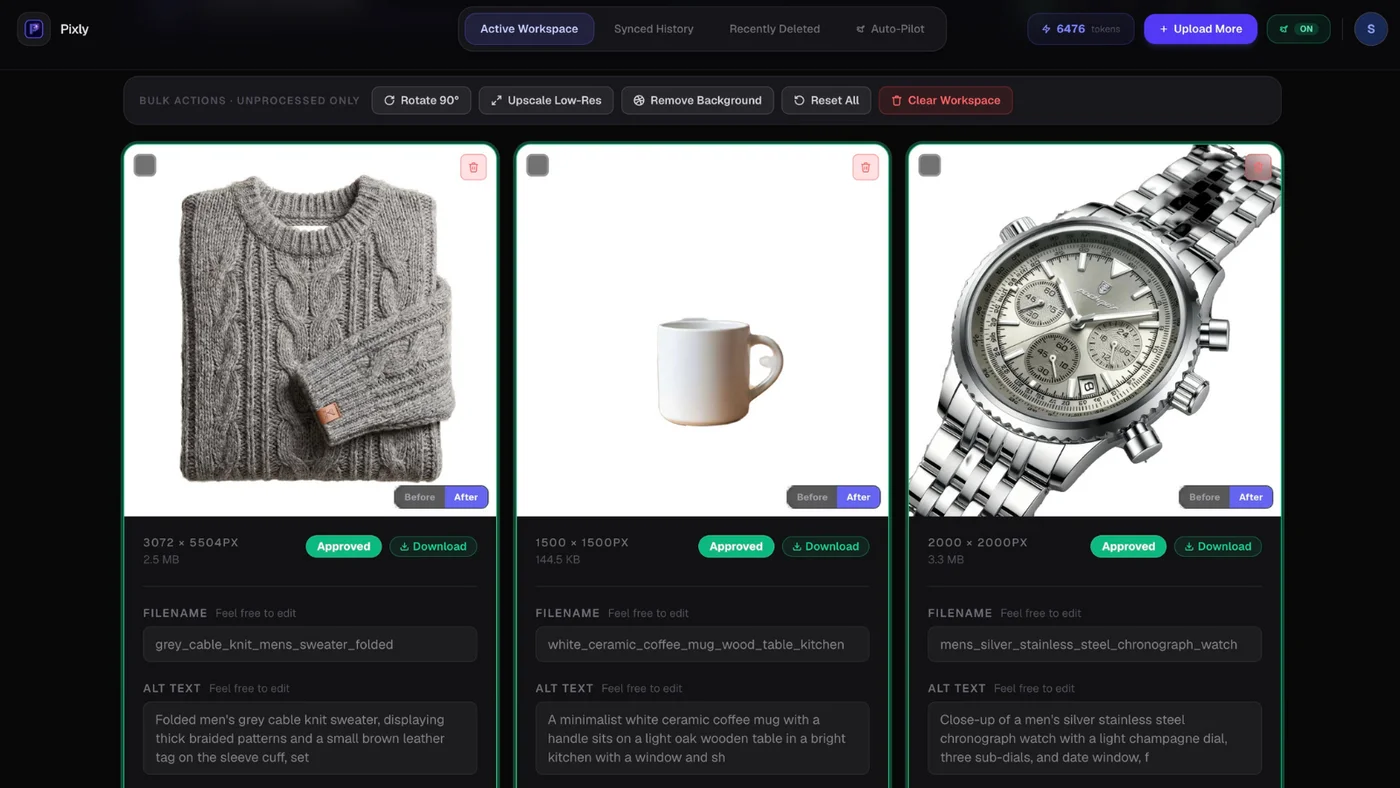
See upscale low resolution product images when re-shooting is not an option.
Theme crop and aspect ratio issues
Non-square product photos get center-cropped in many themes. A portrait shot may look fine on the product page but odd or soft in collection grids.
Prevention: Upload 1:1 square masters. Pixly applies center crop at review so you see the exact output before sync.
Got questions?
Frequently asked
Usually the uploaded file is too small, or product featured images are low resolution. Collection hero and product thumbs are different fixes.
Hero images: often 1920 px wide (theme-dependent). Product tiles: use 2000 px square product masters. See banner specs and size guidelines.
WebP reduces file weight but cannot add missing pixels. Upscale or re-upload sharper masters first.
View the collection on mobile and desktop after upload. Zoom the product page image separately from the collection hero.
Bottom line
Shopify collection images blurry splits into hero art (manual re-upload at correct width) and product grid thumbs (sharp square product masters). Fix product media at scale with review-first optimization.
Install Pixly on Shopify to flag and fix low-res product images across your catalog.
상품 사진, 깔끔하게 다듬어 볼까요?
1분 퀴즈로 맞는 플랜을 추천받거나 바로 무료로 시작하세요. 69 토큰으로 무료 시작이에요. 카드는 필요 없어요.
카드 등록 불필요 · 언제든 해지 가능
Pixly 더 알아보기
- Pixly 사용 방법 — 업로드, AI 분석, 검토, Shopify 동기화
- 기능 — Store Audit, Auto-Pilot, WebP, 대체 텍스트
- 요금제 — 매달 69 토큰으로 무료 시작
- 저해상도 Shopify 상품 이미지 업스케일 가이드 (2026)
- Shopify 배너 이미지 사이즈 가이드 (2026)
- Shopify 이미지 사이즈 가이드 (2026)